Independent buying guide
Desk lamp vs monitor light bar: which should you buy?
Desk lamp vs monitor light bar for budget desks in 2026: paper vs screen-only, glare, desk space, quick decision table, fit traps, and Amazon Check price CTAs.
See the picks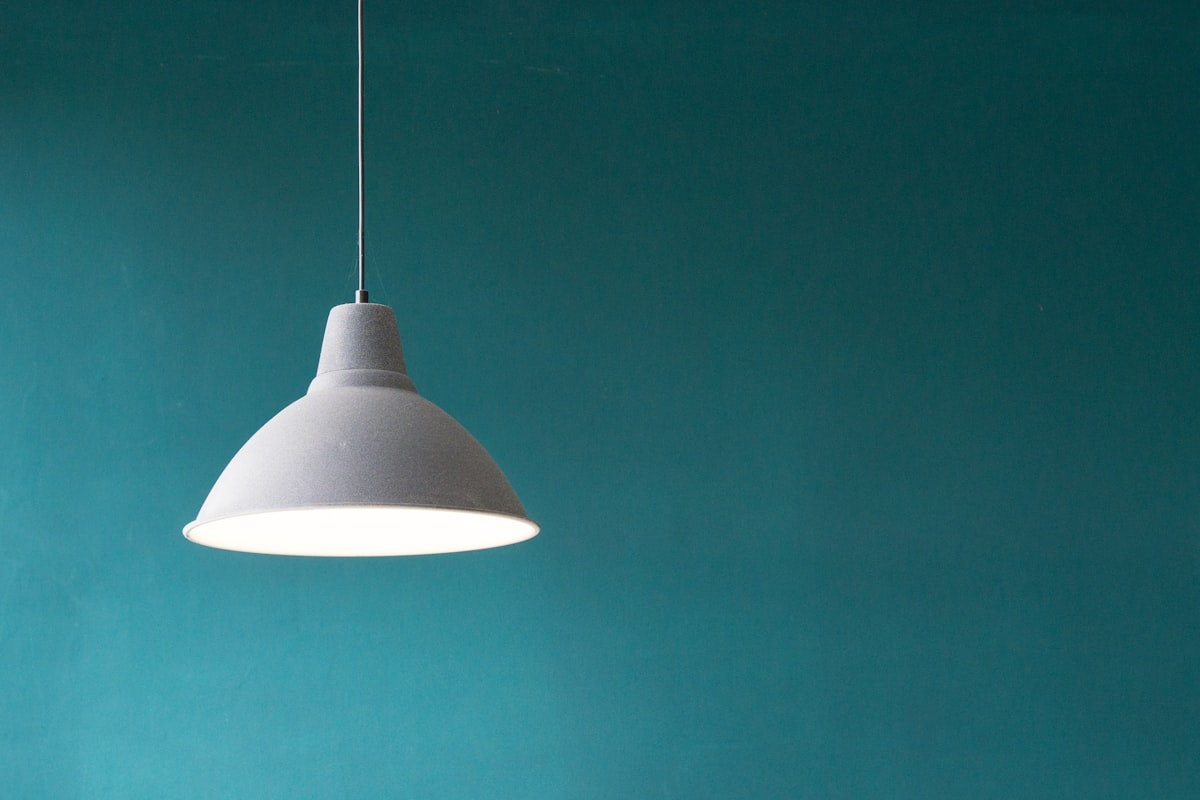
We may earn a commission from qualifying purchases, at no extra cost to you. Our standards ↗
A desk lamp and a monitor light bar get compared like rivals. They are not. They fix different problems, and for most budget desks in 2026 the honest answer is that you need one of them first—not both on day one.
Quick decision
| Your setup | Better first buy |
|---|---|
| You still look at paper, notebooks, sketches, or crafts on the desk | Desk lamp under $40 |
| Screen-only desk in a dim room; keyboard needs light, panel should stay glare-free | Monitor light bar under $50 |
| Shallow desk / mat already fills the surface | Prefer a light bar (zero base footprint) or a clamp lamp |
| Regular video calls where your face looks underlit | Desk lamp aimed at you (bars light the desk, not your face) |
| Bright room already, no eye-strain complaints | Neither—fix posture / monitor arm height first |
| Paper and evening screen contrast | Often both later; start with the bigger pain, live a week, then add |
Quick picks (start here)
- Paper / crafts / face light for calls → desk lamp path. Use Check price on Amazon on the lamp card, then pick clamp vs base in our lamps guide.
- Keyboard wash without glare, reclaim desk space → monitor light bar. Check price on Amazon on the bar card; check bezel thickness and curved-panel fit on the listing.
- Still unsure → do the two-minute tests below before you spend.
The one question that decides it
Do you still put things on the desk that you need to look at with your eyes—not through the screen? Paper, a notebook, sheet music, soldering, anything physical.
- Yes → you want a desk lamp (pool of light you can aim).
- No (keyboard, mouse, monitor only) and evenings feel like a bright rectangle in a dark room → you want a monitor light bar.
- Room already bright / no complaints → buy neither yet.
What each product is actually for
Monitor light bar
A bar solves a narrow geometry problem: high contrast between a bright screen and a dark desk surface. It clamps to the top of the monitor and throws light forward and down onto the keyboard strip, deliberately keeping the panel out of the beam. That is why bars rarely create screen glare when fitted correctly.
They reclaim the footprint a lamp base would steal—useful on shallow desks and dense mats. They are the wrong tool if you need face light for calls or a wide pool for paperwork.
Full shortlist: best monitor light bars under $50.
Desk lamp
A lamp lights objects on the desk. The shape is a pool you aim. That flexibility is also the failure mode: aim badly and you wash the screen with glare. Sit the lamp beside or slightly in front of you, angled down and away from the panel—not behind the monitor blasting your face and the glass.
Clamp lamps free mat space; base lamps win when you cannot clamp (glass edges, shared tables, room-hopping).
Full shortlist: best desk lamps under $40.
Fit traps before you buy
- Bezel / clamp thickness (bars) — ultra-thin bezels and some curved panels need a compatible clamp. Confirm the listing range, then Check price on Amazon.
- Desk edge (clamp lamps) — measure lip thickness; glass and honeycomb edges often need a base lamp instead.
- Glare aim (lamps) — if you see reflections on the panel, move the lamp forward/sideways and dim before blaming the bulb.
- Cable nest — either choice adds a cord; park it with cable management under $25 so the upgrade does not create a new mess.
- Two lights by default — two sources mean two cables and a fair chance the lamp spills onto the panel the bar was protecting. Start with one.
Who should skip (or wait)
- Skip a bar if your room already has strong ambient light and the desk surface looks fine at night.
- Skip a lamp if you never touch paper and hate base clutter—try a bar first.
- Skip both if the real pain is screen height; a laptop stand or monitor arm often helps more for less daily friction.
Final verdict
- Paper / crafts / call face light → desk lamp first (Check price on Amazon on the lamp card).
- Screen-only evening contrast / tiny desk → monitor light bar first (Check price on Amazon on the bar card).
- Both problems after a week with one → add the second deliberately, and manage the extra cord.
Use the cards below, then dive into the matching full guide for clamp/base or remote/bias details.
The shortlist
Three sensible ways to spend your money.
Choose the one that fits your space and your habits—not the one with the longest feature list.
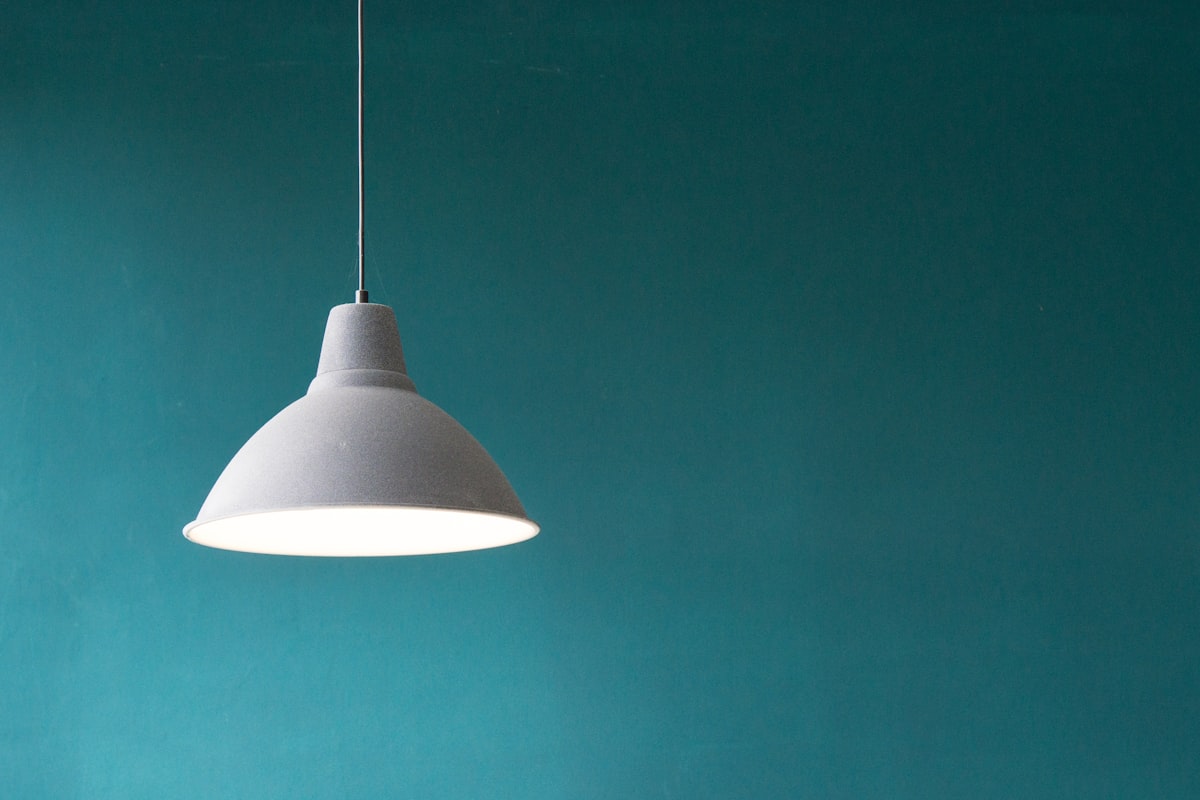
Choose a desk lamp when…
Best first buy when you still look at physical things on the desk or need call lighting. Pick clamp vs base in our lamps guide, then Check price on Amazon and confirm dimming steps on the listing.
What works
- Lights paper, crafts, and hands—not just the keyboard strip
- Can double as face light for video calls when aimed well
- Clamp models free mat space; base models skip edge requirements
- Usually cheaper entry under $40
Keep in mind
- Easy to create screen glare if aimed at the panel
- Base models eat desk footprint
- Clamp needs a solid lip
- Another cord to manage
Choose a monitor light bar when…
Best first buy for screen-only desks that feel like a bright rectangle in a dark room. Check bezel thickness and curve compatibility, then Check price on Amazon. Full shortlist in our light bars guide.
What works
- Zero base footprint—desk stays clear
- Geometry reduces screen glare when fitted right
- Targets keyboard/desk strip in dim rooms
- Cable joins the monitor loom instead of a new base corner
Keep in mind
- Does not light your face for calls
- Narrow coverage—not a paperwork pool
- Bezel/curve fit can fail on some panels
- Overkill if the room is already bright
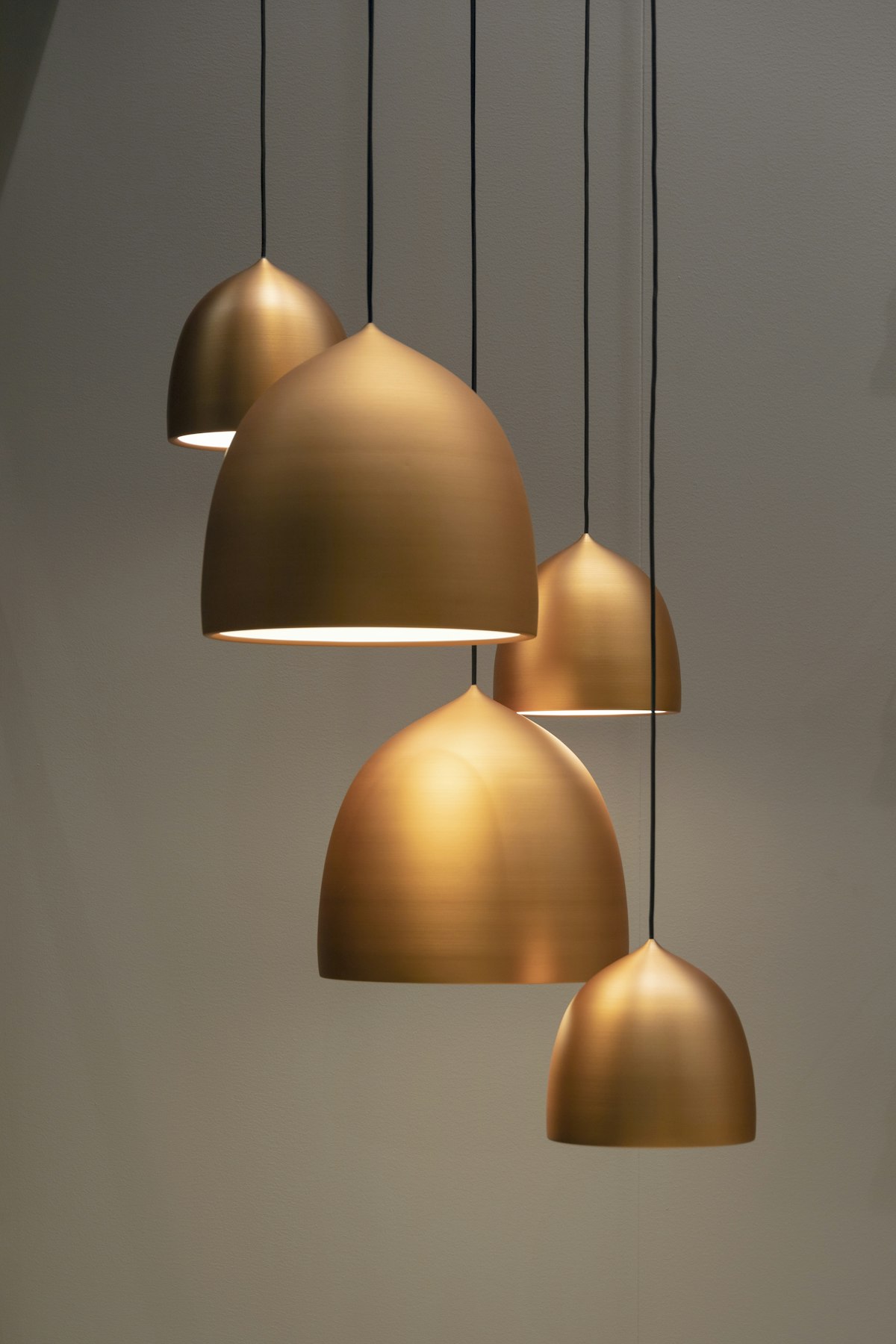
Choose both later when…
Only after one week with your first light still leaves a clear second gap (paper unread, or face too dark on calls). Manage cords with cable management under $25, then Check price on Amazon for the missing type.
What works
- Bar handles evening contrast; lamp handles paper/calls
- Lets you specialize each light instead of forcing one tool
- Works once cable routing is planned
Keep in mind
- Two purchases and two cords
- Lamp can undo the bar’s glare control if aimed poorly
- Easy to overspend before testing one option for a week
Questions, answered
Before you buy
The useful details that rarely fit on a product listing.
Can I just use both a lamp and a light bar?
Yes if you truly have two problems (evening screen contrast and paper/face light). Start with one for a week so you do not buy two solutions for one gap. Route both cords with cable management under $25.
Doesn't a desk lamp cause screen glare?
It can. Aim beside or in front of you, down and away from the panel—never from behind the monitor toward your face. A light bar avoids this by design when the clamp fit is correct.
Which is better for eye strain?
Neither is a medical treatment. Both can reduce harsh screen-vs-room contrast. Pick based on whether you need a paperwork pool (lamp) or a glare-controlled keyboard wash (bar).
Is a light bar just an expensive desk lamp?
No. The difference is geometry: a bar lights a strip in front of the screen from above the bezel; a lamp lights a wider pool from the side. Different jobs.
I have a curved monitor—will a bar work?
Only if the clamp and curvature rating match. Check the listing for curved-panel support and bezel thickness, then Check price on Amazon. If unsure, a clamp or base lamp is safer.
What if my desk is very shallow?
Prefer a light bar or a clamp lamp so you do not lose mat/mouse space to a base. See desk lamps under $40 and light bars under $50.
Should I fix monitor height before buying lights?
Often yes. A laptop stand under $50 or monitor arm under $80 can matter more than another light if the screen sits too low.
Where do I compare specific models?
Use our desk lamps under $40 and monitor light bars under $50 guides for shortlists, then the Check price on Amazon buttons on the cards above.
Are the Amazon links affiliate links?
Yes. Check price on Amazon uses this site’s associate tag. We may earn a commission at no extra cost to you. Details: affiliate disclosure.